 StoryboardPreview
Shot markers
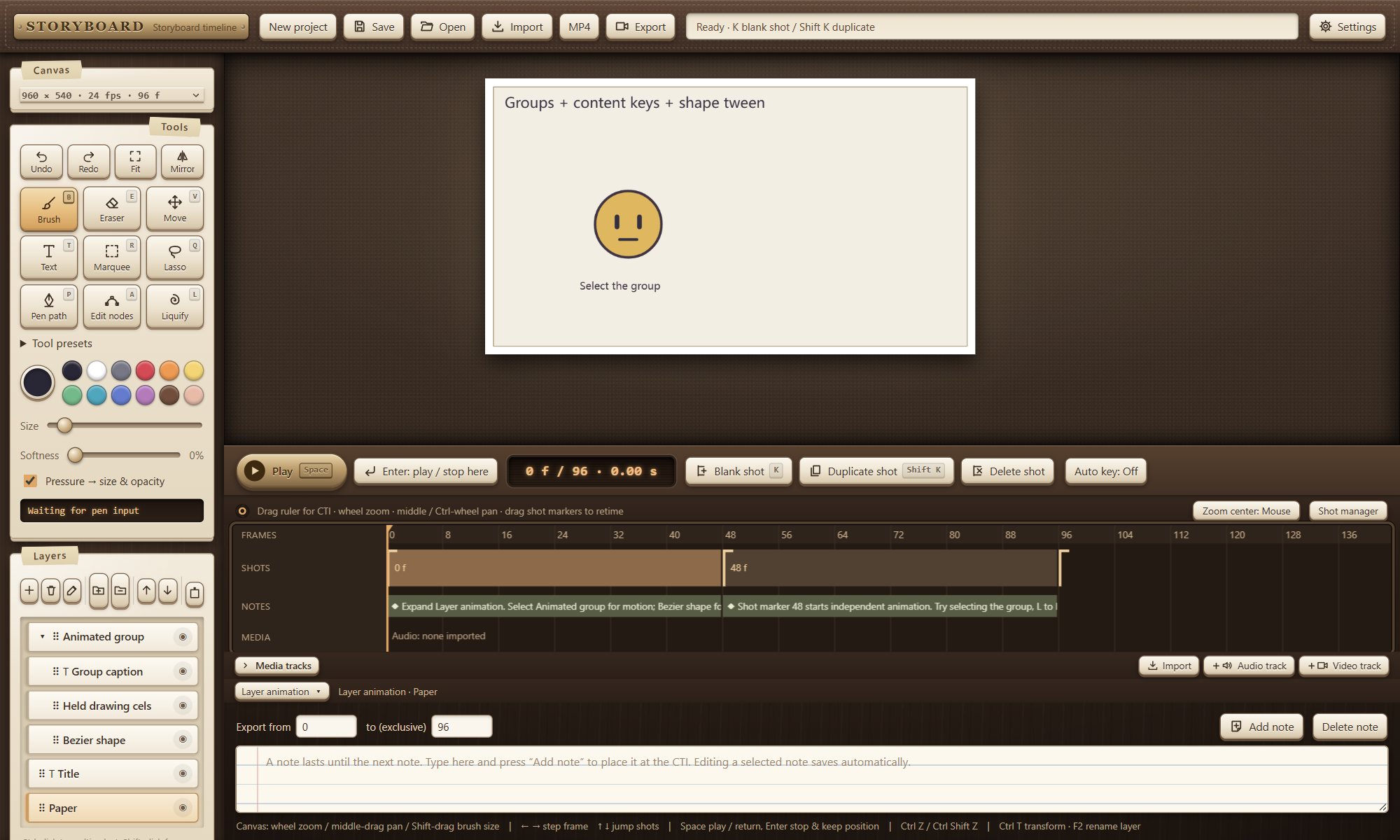
K adds a blank shot, Shift K duplicates the current one. Drag markers to retime; the shot manager edits durations in frames or seconds and reorders shots.
Free online storyboard & animatic editor
A storyboard and animatic editor where drawing, shot timing, animation, notes and audio share one timeline. Use it in your browser, or download the portable Windows app — the folder you unzip is both the program and its source.
Free to use · MIT licensedNo sign-up. No account. No subscription.Your work stays on your device
What's inside
One editor for drawing boards, timing shots, adding motion and sound, and exporting a reviewable video.
K adds a blank shot, Shift K duplicates the current one. Drag markers to retime; the shot manager edits durations in frames or seconds and reorders shots.
Space plays and returns to where you started; Enter plays and keeps the new position. Zoom around the mouse or the playhead and pan freely.
Pressure drives size and opacity. Separate brush and eraser size and softness, plus saveable tool presets. The Windows app also reads WinTab directly — even with Windows Ink turned off.
Drag to reorder, F2 to rename, Ctrl T for free transform. Text layers are edited right on the canvas and stay editable.
Content keys, transform tweens and pen-shape tweens. Auto-key is off by default, so nothing gets keyed behind your back.
Fast or detail-preserving liquify, liquify pins, Corner Pin, and a puppet rig with mesh, bones, diffusion weights and IK — bake it once, or keep the controls and animate them.
Set the range before and after, spacing and opacity; reference by frame or by animation key. It is for editing only — hidden during playback and never exported.
Import audio with volume and mute, keep a separate notes track, and export a frame range to MP4 (H.264/AAC) or WebM.
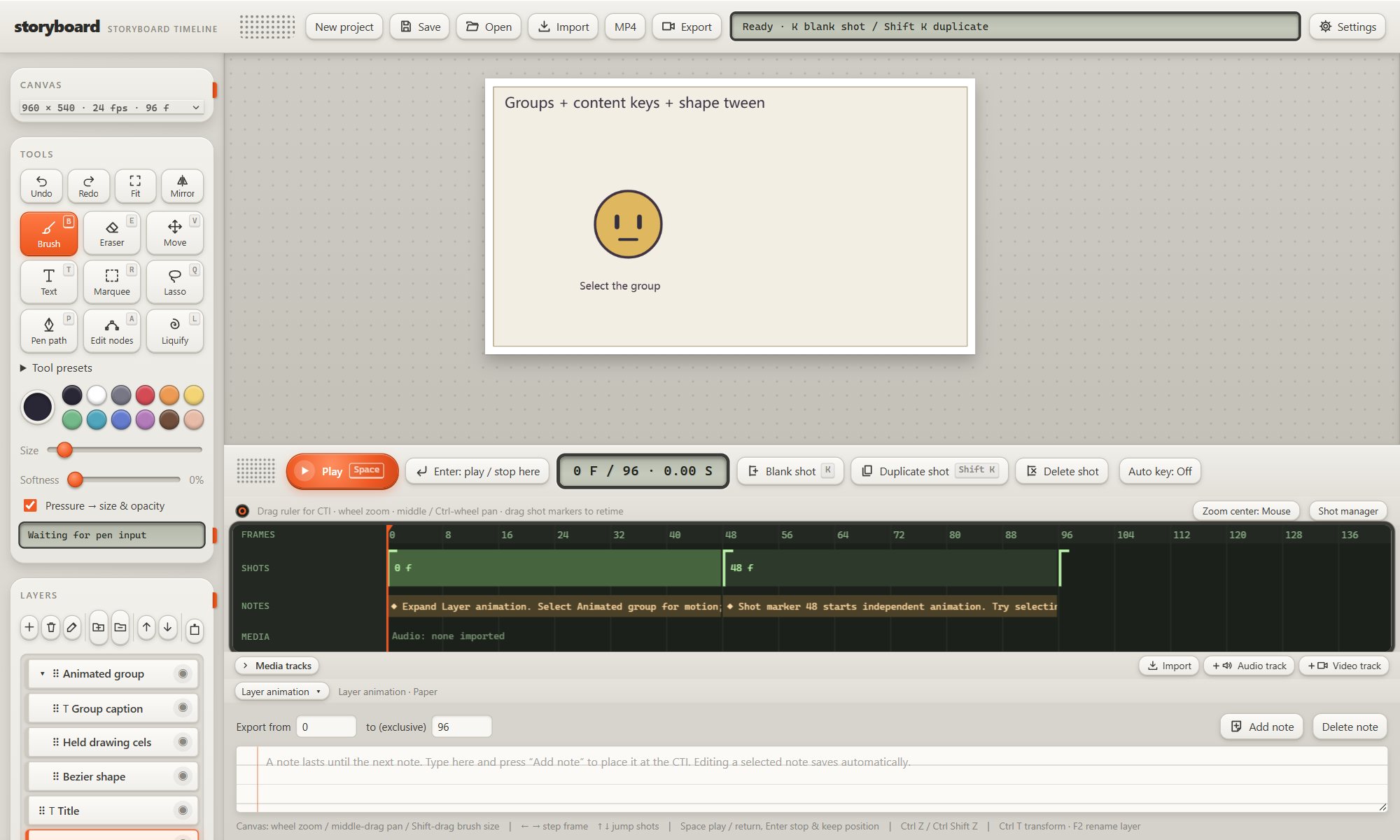
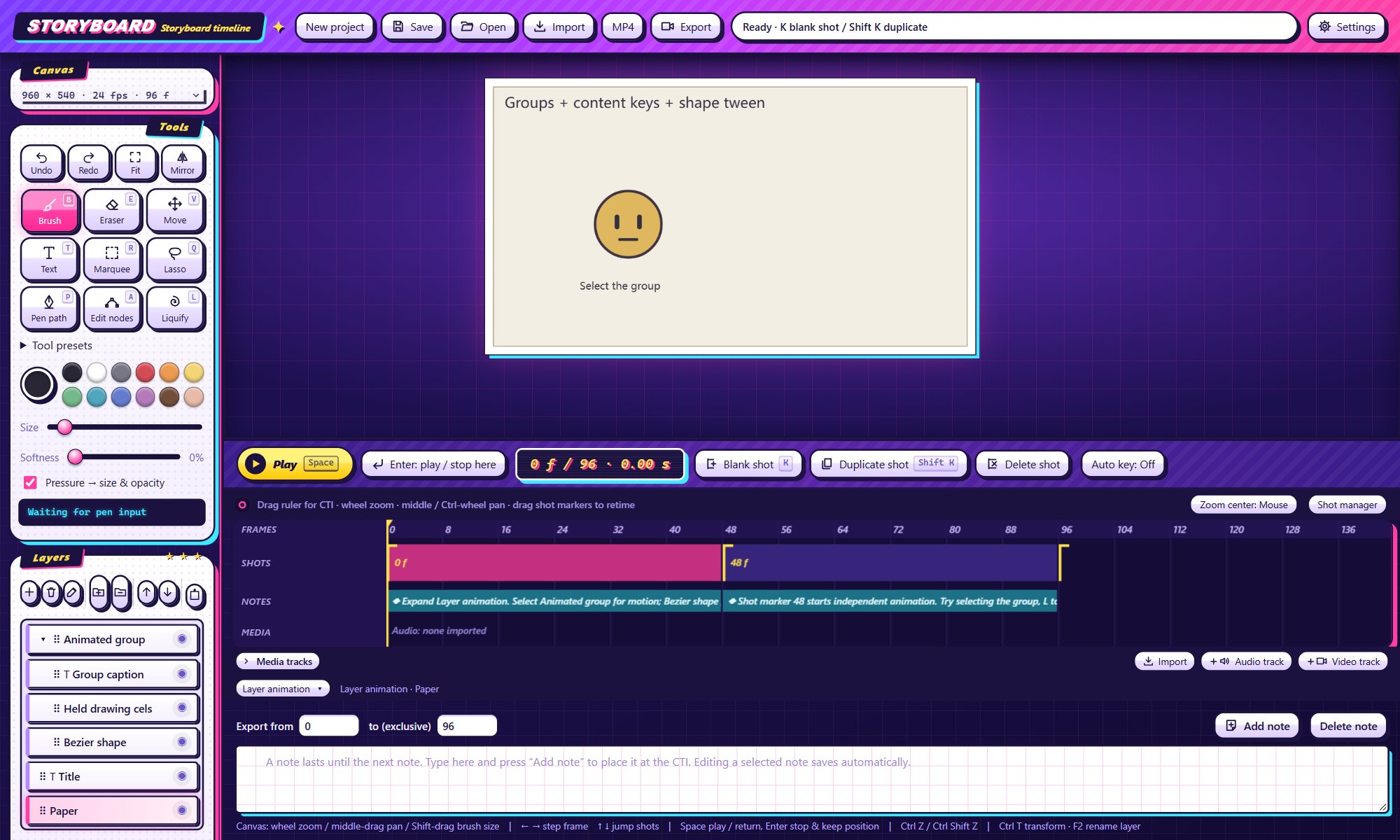
Leather, Cassette and Y2K themes. Interface in English, Chinese and Japanese — your layer names and text stay exactly as you typed them.
One timeline
Mark where each shot starts. A shot lasts until the next marker, and frame 0 always has one.
Diamonds are reserved for real motion inside a shot: content, transform, shape and deformation keys.
A separate notes track spans as many shots as you like; audio plays in sync and goes into the export.
Web or desktop
The browser editor and the Windows app run identical front-end code. They differ only in what the host around it can do.
| Capability | Browser editor (HTTPS) | Windows portable app |
|---|---|---|
| Drawing, shots, layers, text, animation, deformation, onion skin | Same front end | Same front end |
| Mouse and pen pressure | Browser Pointer Events, as supported by your browser and driver; Windows Ink settings affect detection | Pointer Events plus a native WinTab path |
| WinTab with Windows Ink off | Not available on a website | Built in — no extra local service |
| Saving projects and exporting video | Browser download | System save dialog; defaults to folders inside the app |
| Recovery | This site's browser storage | Its own browser data plus a plain-text snapshot in data/recovery |
| Image clipboard | Limited by browser permissions | Native image clipboard while the window is in front |
| MP4 export | Only if your browser can record H.264/AAC — otherwise switch to WebM | H.264/AAC tested in the bundled WebView2 host |
Browser storage and the desktop app are separate. Move work between them by saving and opening the project JSON.
Portable by design
Storyboard.exe opens its own window. No installer, no Node, no npm.app/. Change a file, press F5, and you are running your change.data/, projects in projects/, videos in exports/.Local first. Drawing, audio and export happen on your device — nothing is uploaded to a server. Browser storage is limited and can be cleared, so save your project JSON regularly. Audio is embedded in the project, which can make files large.
Try the editor in your browser right now, or take the whole folder with you on Windows.